
Your first job is not to get rich. Get the shop open, learn the buying and selling counter, inspect goods before paying, and save enough to survive rent. The demo teaches the basics through customer interactions; follow this routine before branching into water trading or riskier stock.
The first-day sequence
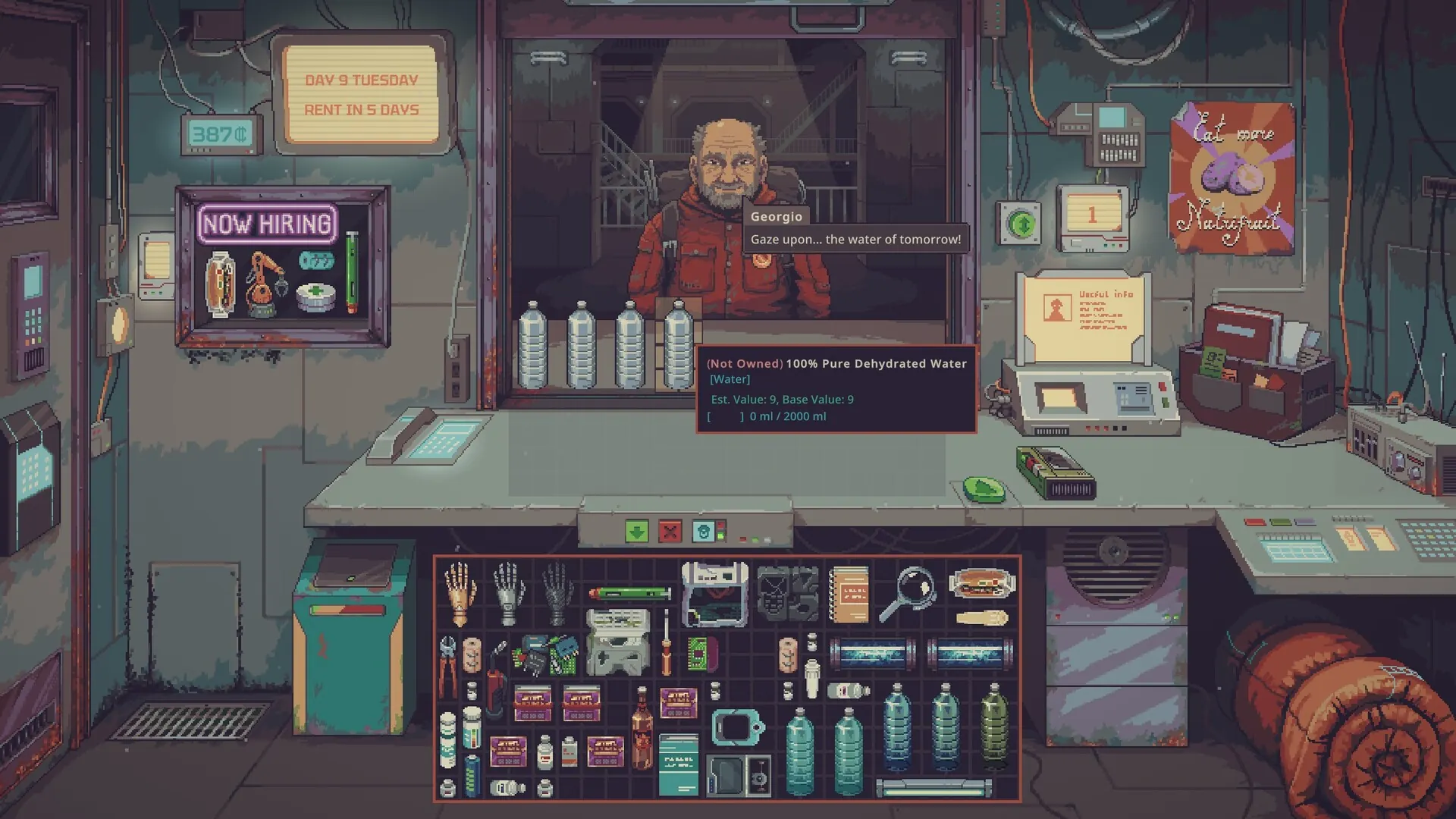
Start with the tutorial enabled on your first run. In the recorded opening, the game introduces the negotiation counter, display case, reputation panel, phone and sleeping bag before the first proper trading day. Learn where these live before moving windows around. The video also demonstrates Ctrl-click transfers, which is much quicker than dragging every object individually. Watch the opening walkthrough at 05:00.
- Clear the counter. Keep both sides free so trades can proceed; the tutorial specifically calls this out.
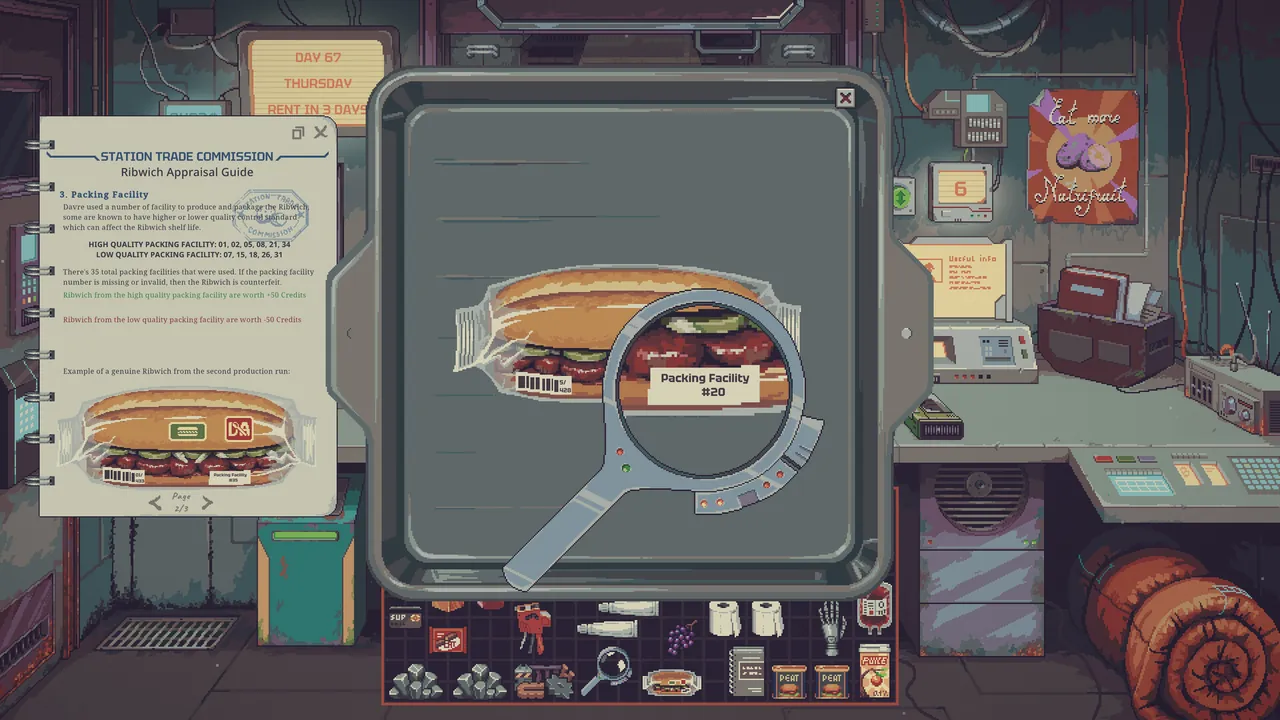
- Inspect incoming goods. A customer’s description is an offer, not a guarantee. Look at quality, expiry, serial details or other relevant item information before agreeing.
- Check who wants what. Customer requests and current demand matter more than simply filling every available display slot.
- Trade for usable cash. A large headline sale is pointless if the customer cannot afford the item or if it leaves you unable to pay rent.
- Put stock away. Don’t leave goods on the outside counter overnight; the opening tutorial warns that unattended goods can be stolen.
A daily operating loop that is easy to repeat
| Before opening | While trading | Before sleeping |
|---|---|---|
| Check news and current demand | Read each buyer’s budget | Reconcile cash against upcoming rent |
| Decide which goods are for sale | Inspect suspicious goods | Store exposed items safely |
| Keep useful crafting inputs separate | Avoid selling machinery inputs by accident | Repair critical tools or plan tomorrow’s outing |
This is a working checklist, not a fixed-profit recipe. The station’s demand events and the goods customers carry vary. You can use the interactive survival checklist on another screen while playing.
What to spend money on first
Protect liquidity before buying every interesting machine. A Water Merchant gameplay run demonstrates the pressure clearly: the player considers a toolbox, scanner, power block and moisture farm, then postpones the power block rather than spend everything at once. Those are situational decisions, not a universal purchase order.
A practical rule: write down the next rent obligation, subtract it from current cash, then think of the remainder as your real upgrade budget. If a machine will require additional bottles, batteries or raw materials, include those running costs rather than looking only at its purchase price.
What catches new players out?
- The wrong goods in the display. Sales depend on the particular customer and demand. Rearrange inventory when the market changes.
- Overbuying after a good day. Revenue is not the same as spendable profit when rent and equipment maintenance remain due.
- Selling an input you meant to use. Move production materials away from ordinary sell stock.
- Mistaking an Aug for an ordinary customer. The game makes identification consequential; read the items and Augs guide rather than guessing from appearance.
Which guide should you open next?
If you selected Water Merchant, start with the water workflow. If you are constantly short of credits, use the money and rent plan. If the demo’s starting choices are confusing, check scenarios and difficulty. The demo and the older open Playtest do not contain identical features, so treat older videos cautiously. See what changed.
Last checked September 16, 2026. Instructions refer to the September demo unless otherwise stated.